
A Graphx product New

Their photos, on gifts you produce — or we make for you.
Picsha Gifts is a white-label photo gift storefront for photo retailers. A customer picks a gift — a mug, a pint glass, a mousepad, a puzzle, an ornament — adds their photos and their own words, and sees them on the product itself before they buy. Produce it yourself, from a file made for the blank you stock, or have it made to order and shipped for you. Under your brand, at your prices. Free to sign up.
Get your storefront Try the live demo →
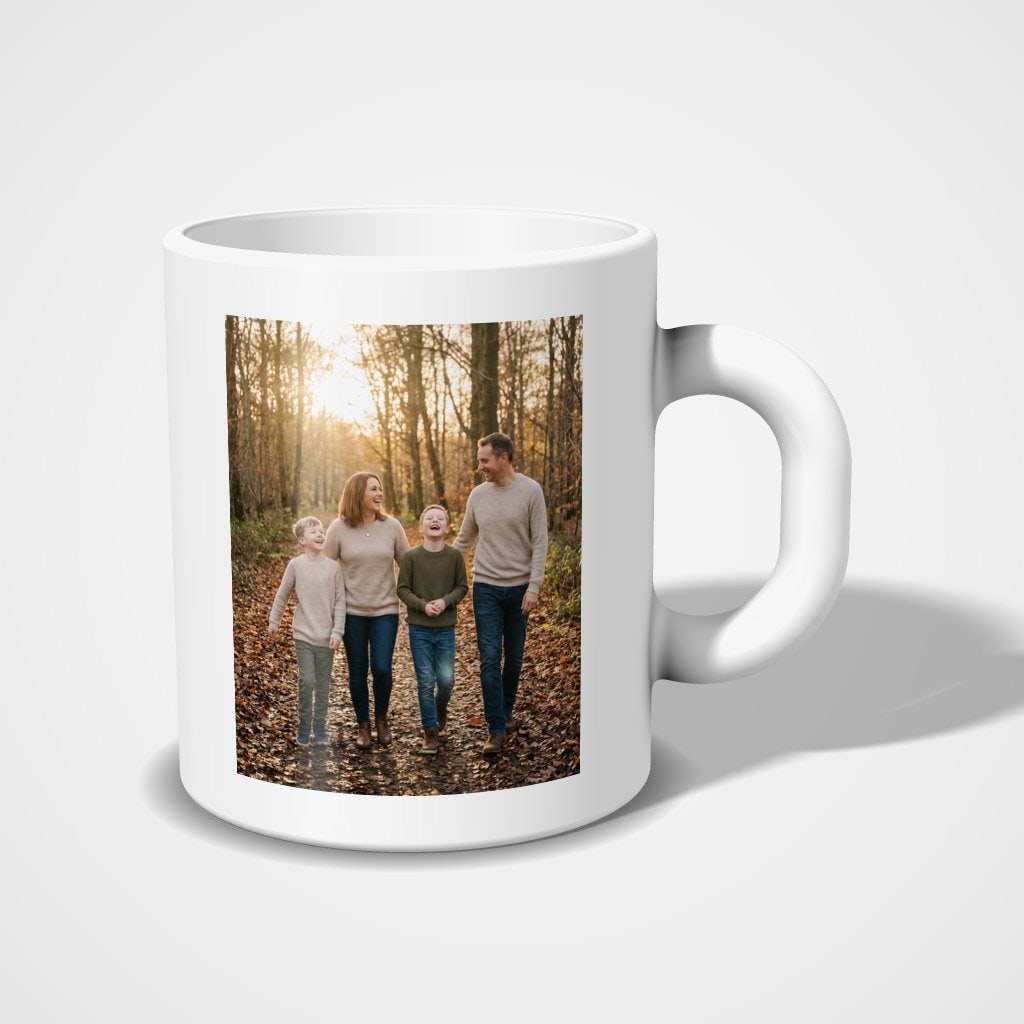
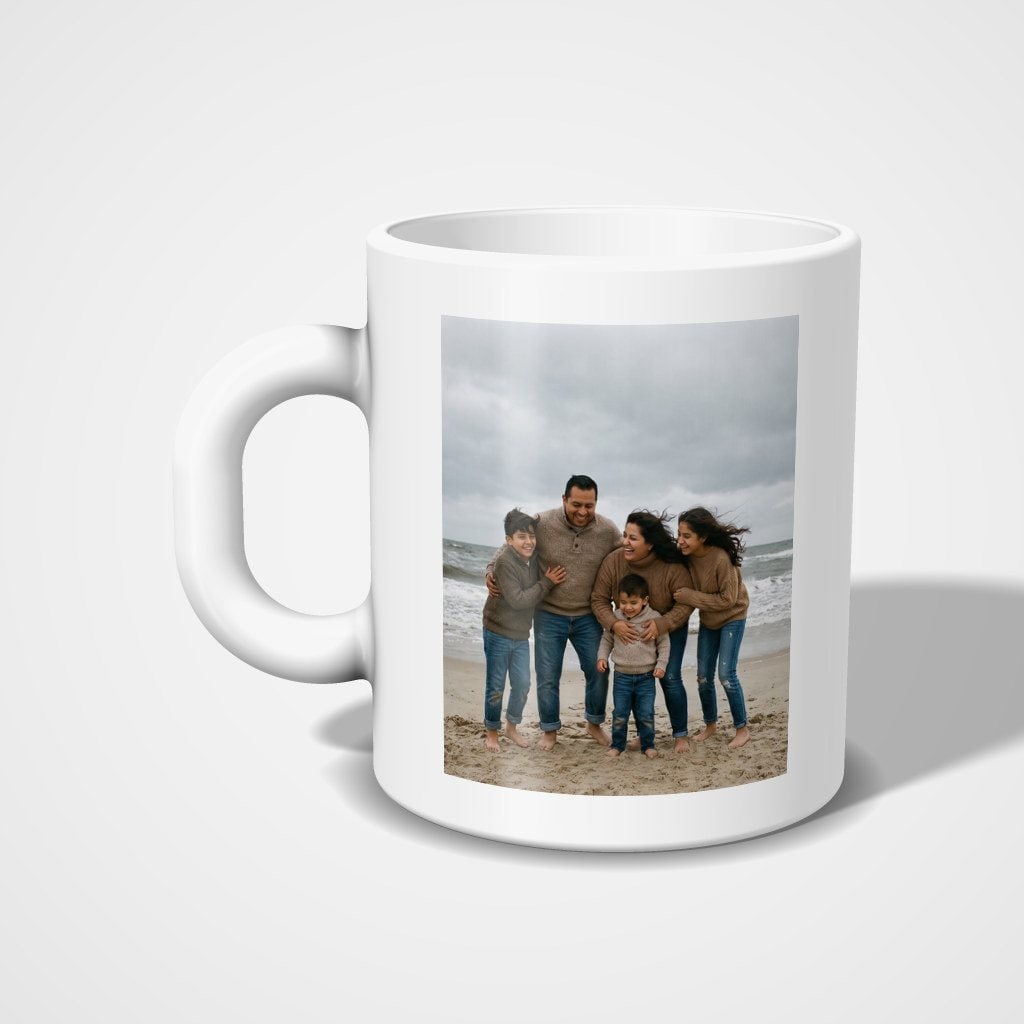
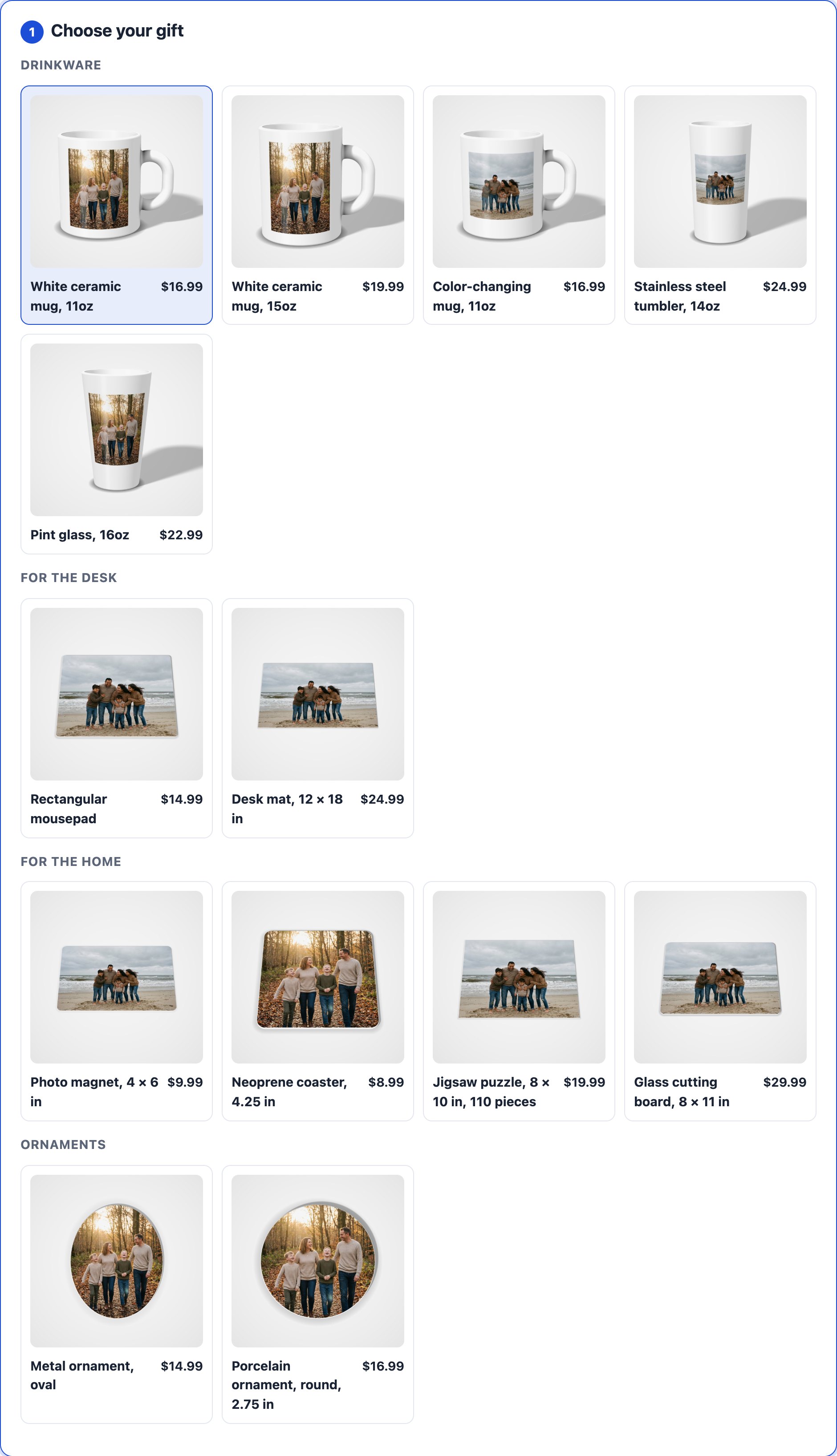
Twenty-six gifts, in four families
Drinkware, gifts for the desk, gifts for the home, and ornaments for the season. Sell all of them or two of them: each is switched on, priced and named by you.
How it works for your customer
1. Pick a gift, add photos
From a phone, a computer, or the kiosk in your store. Several photos at once is fine; a mug takes two.
Their own words, too
Add text & effects puts a name, a date, a frame or a filter on a photo — or starts from a blank canvas for words alone. What they add is part of the picture, and is already in your file.
2. Place them, and watch the mug
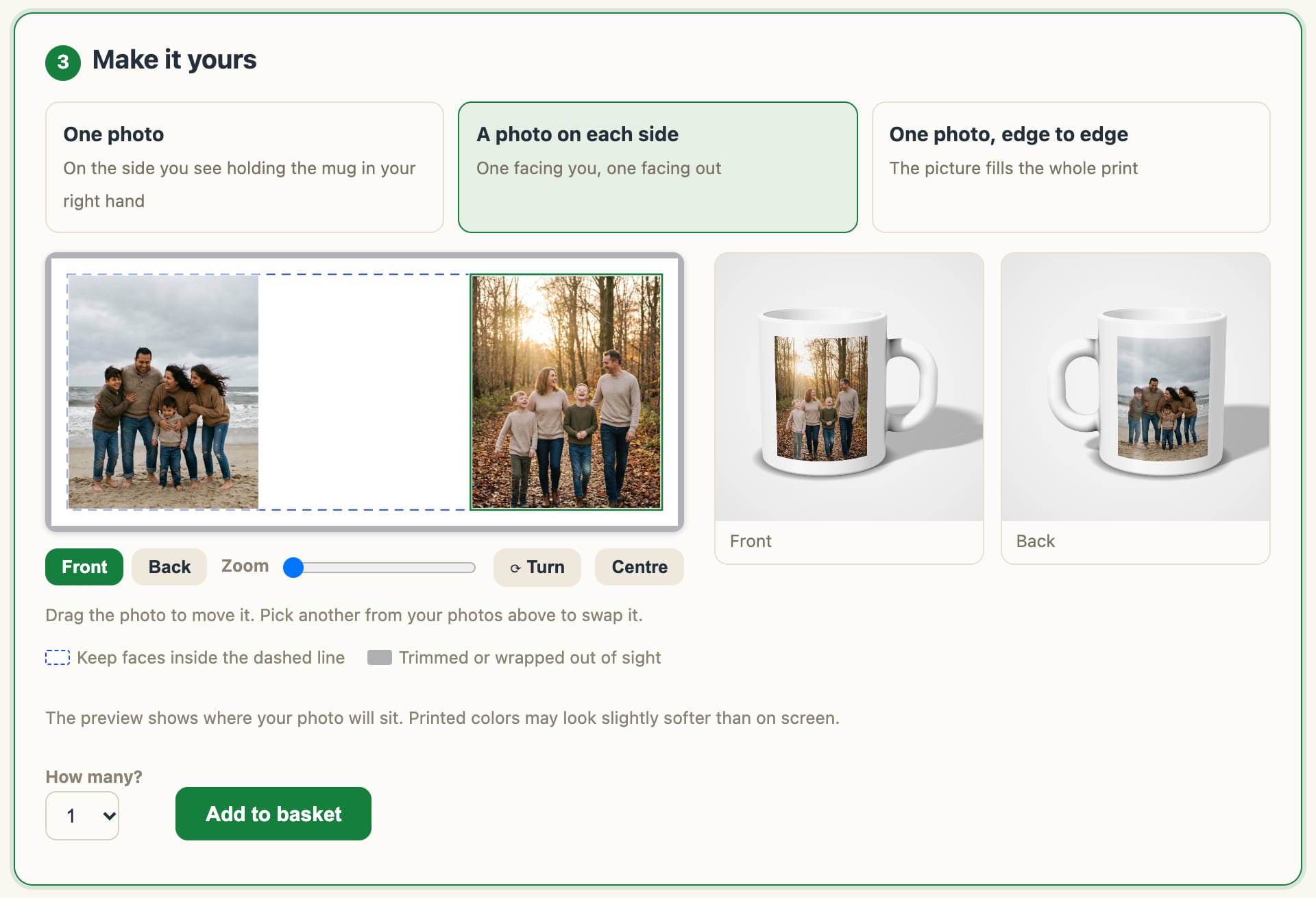
One photo, one on each side, or one picture edge to edge. They drag and zoom each photo on the flat print, and the mug beside it — front and back — follows every move.
3. Basket, then pay
An order can hold several gifts. Pickup at your counter or shipping, as your store offers them.
Produce it yourself, or have it made
For each gift you sell, you choose who makes it. Nothing about your storefront changes either way: your brand, your prices, your customer.
You produce it
Tell Gifts about the blank you stock and you get a file made for it and for your press: the right size, mirrored or not, one per design. The next section is about that.
We have it made
Choose Outsource it and our print partner makes the gift to order and ships it in plain packaging — to your customer, or to your counter for pickup. You see what it costs before you set your price, and that cost comes out of your share of the sale. Nothing to stock, nothing to press.
Both, when you need to
Name an outsourced product as the overflow for one you produce. Reroute a single order when the press is busy, or pause your own production for a week away and let new orders go to the overflow by themselves.
It starts with your blank
Two shops’ “11oz mug” are two different objects, from two suppliers, with two print areas. A file made for the wrong one prints with the picture cut at the rim, or a face behind the handle. So Gifts asks what you press.
Enter it from a ruler
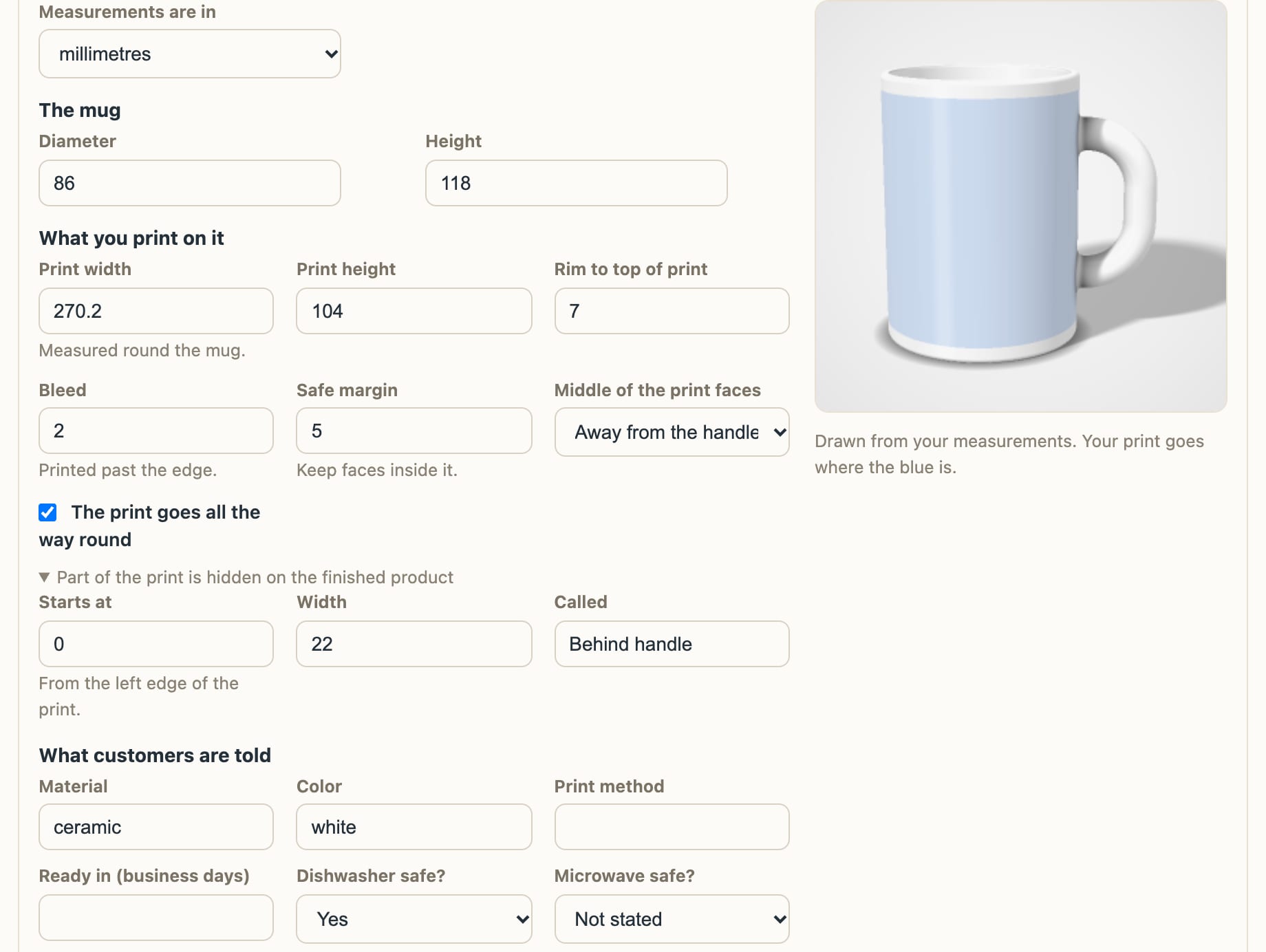
The mug’s diameter and height, the width and height of what you print, how far below the rim it starts, the bleed, the safe margin. Millimetres or inches. Your supplier’s template sheet has every number.
See it drawn as you type
A picture of your blank appears beside the form, with the print area marked, and says so when the numbers cannot be right — a print wider than the mug is around, for instance.
Customers see your mug
The preview your customer designs on is drawn from those same measurements. If part of your print ends up behind the handle, they are shown where, before they put a face there.
Press a test sheet before you sell one
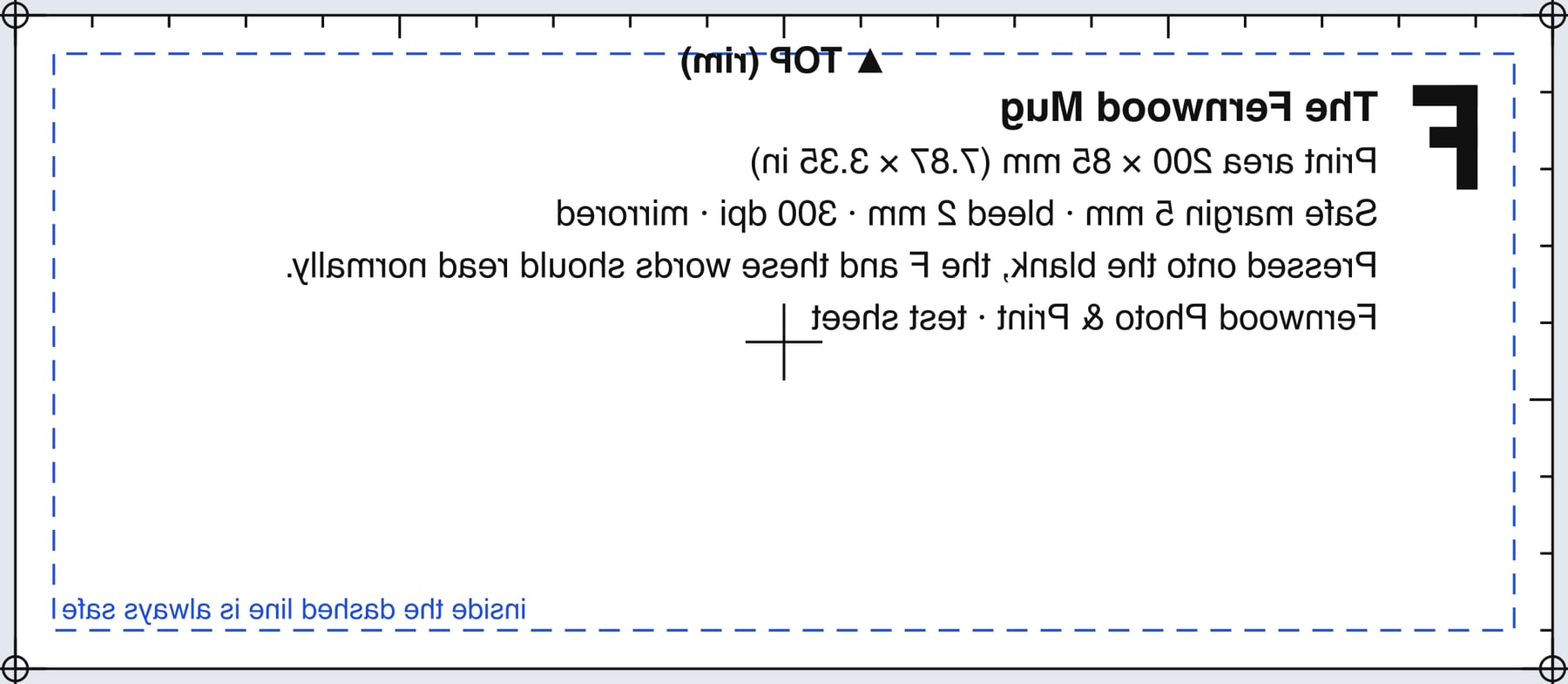
Every product has a test sheet: the print area at true size, through your own press settings, with rulers, the safe margin, and an F. Press it onto a blank. If the F and the words read normally and the outline sits where you expect the print, your files will too.
How it works for your store
Your brand, to the pixel
Your own address — yourstore.gifts.picsha.com — with your logo, your colors, light or dark theme, your prices, your coupon codes. Link it from your website, put a QR code by the register, or put it on the kiosk in your store.
A file made for your press
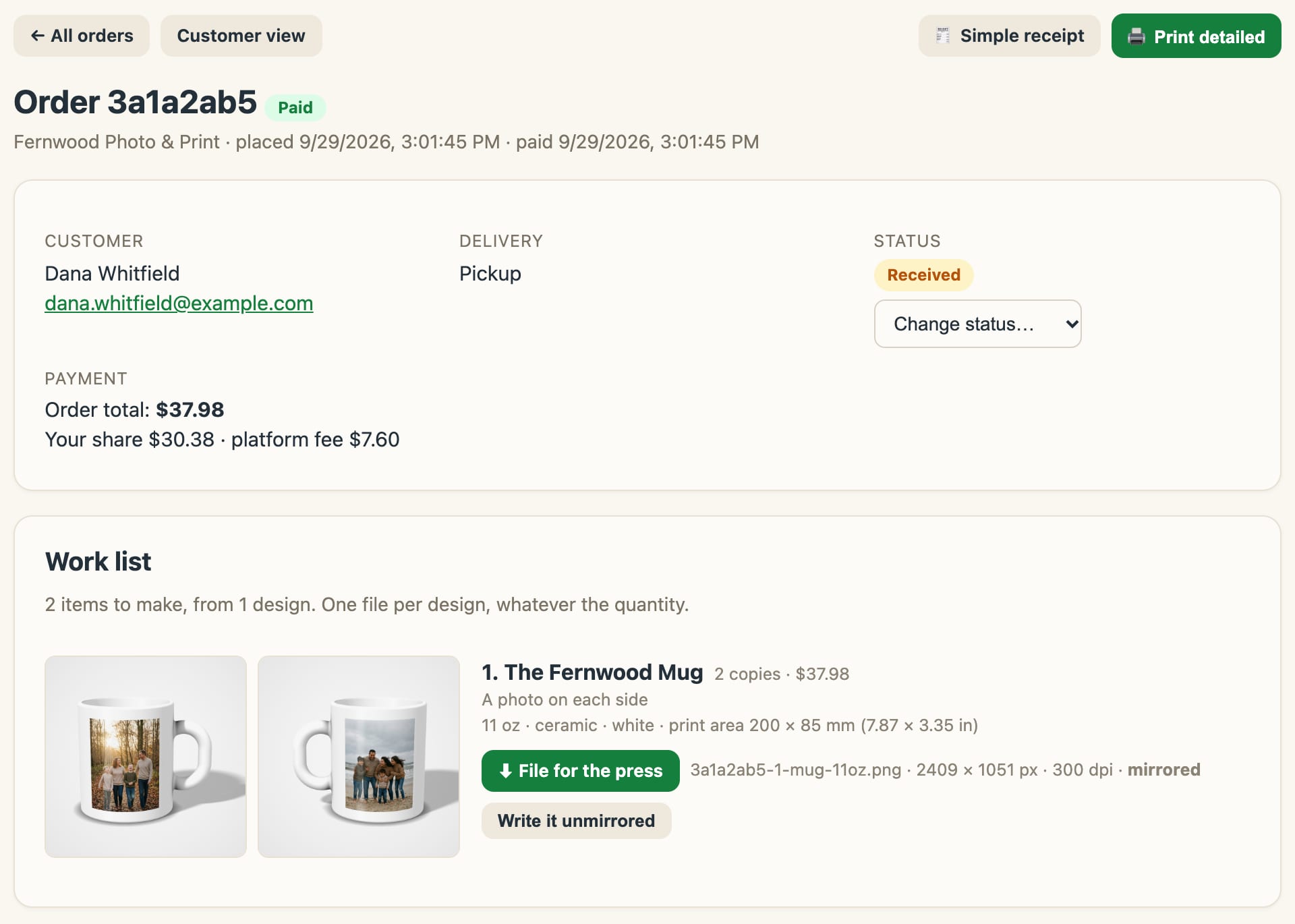
Mirrored or not, with or without the bleed, turned to suit your printer, at your resolution, as PNG, JPEG, or TIFF. One file per design, however many the customer ordered, named with the order and item number.
Photos that will print well
The storefront measures every photo against the size it will print. One that would come out a little soft gets a warning. One too small to print acceptably cannot be ordered, so it never reaches your press.
Only the claims you make
“Dishwasher safe” appears on your product page if you say your blank is, and not otherwise. Leave it as Not stated and the line is simply not there.
Finishing options
A gift box, a handle color, whatever you offer — each choice with its own extra cost. The choice rides on the order and onto your work list.
Order status and tracking
Move each order from Received to In production, Ready for pickup, or Shipped with one dropdown. Your customer sees a timeline on their order page and gets an email in your store’s name when their gift is ready or on the way.
Zero ops, paid automatically
Sign in with an email code, enter your blank, set your prices, connect Stripe. Payouts land directly in your bank account, and order emails arrive the second a customer pays. Customer photos auto-delete after 30 days.
Runs on the kiosk in your store
Every Picsha storefront has a kiosk mode. Open yourstore.gifts.picsha.com/?kiosk=1 on any touchscreen PC and it becomes an in-store photo kiosk — full screen, locked down, ready for the walk-in customer who wants a mug for Grandma by Friday. They send photos with SendThePix or bring them on a card, design at the counter, pay on their phone, and pick the mug up from you.
Reads their card or USB stick
Customers insert a memory card or thumb drive and tap Browse my photos: their pictures appear in a big touch-friendly picker. Staff grant the card reader once at setup; customers never see a file dialog.
Customers pay on their phone
No payment terminal on the kiosk. When the order is ready, the kiosk shows a QR code; the customer pays right there with Apple Pay, Google Pay, or a card — the same secure Stripe checkout as online, paid straight into your account.
Resets between customers
Walk away, and the kiosk warns, then clears itself back to the start — photos and half-typed emails gone before the next customer steps up.
One kiosk, every product: Picsha Hub gives the kiosk a home screen with one tile per Picsha storefront you carry, and every product returns to it between customers.
Free to set up. We only earn when you sell.
No monthly fee, no contract, no upfront cost.
You set every price
Each product and each finishing option, priced by you, for your market.
We take a share of sales
Graphx earns a percentage of each sale — that's the whole business model. No sales, no cost. See the rate grid →
Your money never touches us
Stripe pays you directly into your own bank account. And if you stop using it, stopping costs nothing.
Put photo gifts on the counter this season.
Picsha Gifts is live. It's free to sign up — tell us about your store and what you produce, or would rather have made, and we’ll set up your branded storefront. Want to see it as your customers would first? Explore Fernwood Photo & Print, our demo store.